

Helpful products. Built with you in mind.


Experience Google AI and the most advanced Pixel cameras yet
Learn about the Pixel 8 phones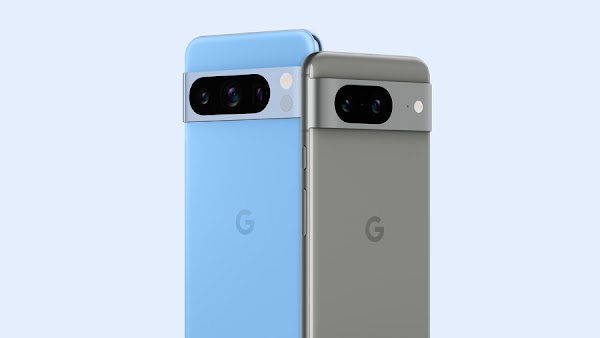
Helpful technology enables everyone to pursue their goals
Learn moreInclusive products and features



“With product inclusion, it’s really looking end to end at the design and development process and saying: Who else needs to be in the room? Who else do we need to have perspective from? And I think co-creating is really integral to building a product that actually suits the world.”

Annie-Jean Baptiste (She/Her)
Head of Product inclusion & Equity, Google

Bringing the best of Google to Android Devices
Android makes it easy to use your favorite apps and services across your phone, tablet, watch and more.



Grow with Google
Discover and learn from training, tools, and resources created by Google to help you grow your skills, career, or business.



Get more comfortable interviewing
See how Interview Warmup uses machine learning to make it easier to practice for interviews and discover ways to improve
Google products


For all


For business


For developers

App Testing


Cloud Computing

Devices

Engagement

Game Services

Growth

Maps + Location

Messaging + Notifications

Monetization

Monitoring

Payments

Sign in + Identity

Storage + Sync